
Record once.
Post everywhere.
I built this because I hate editing video. Record one long take. It cuts the dead air, polishes the full-length video, and writes the captions and hashtags. One-click Resize into vertical, landscape or square for every platform, and clips whenever you want them. You approve and post.
Lazy Creator opens soon. Leave your email on the pricing page and you’ll hear first. Your footage stays private until you post it.
 One take · 18 min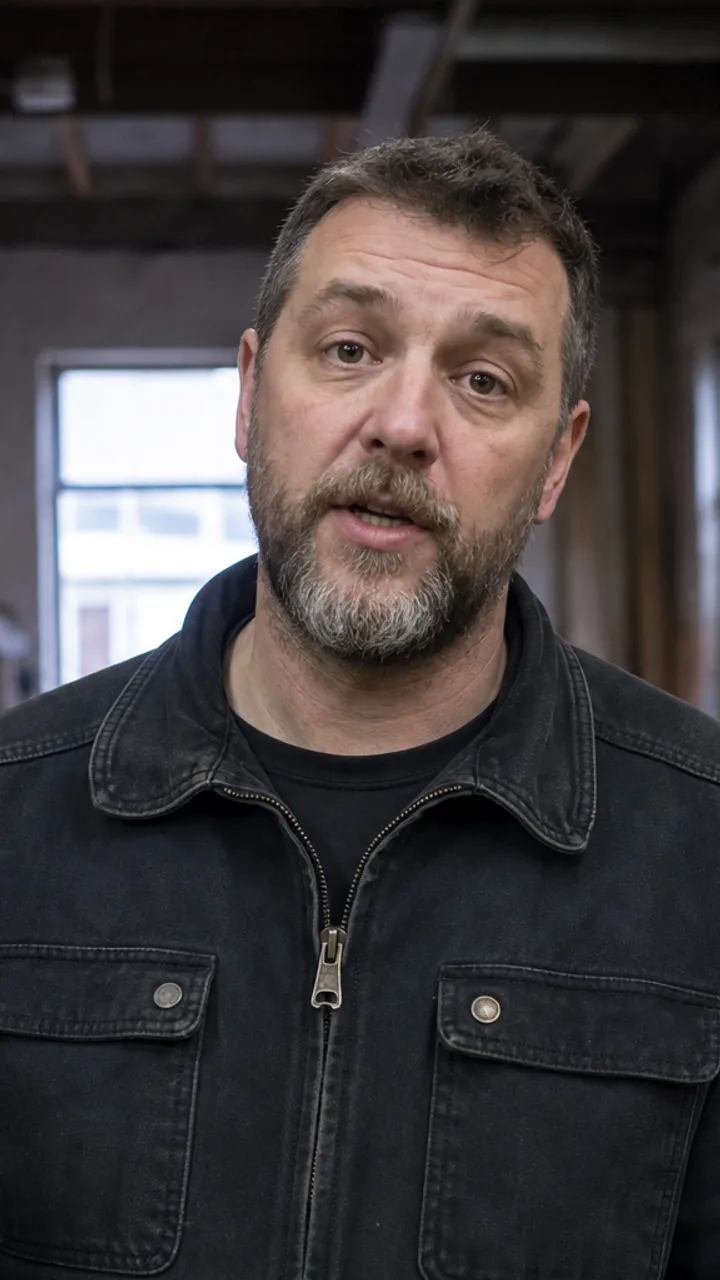
Measure twice. I didn’t.
Shorts · Reels · TikTok
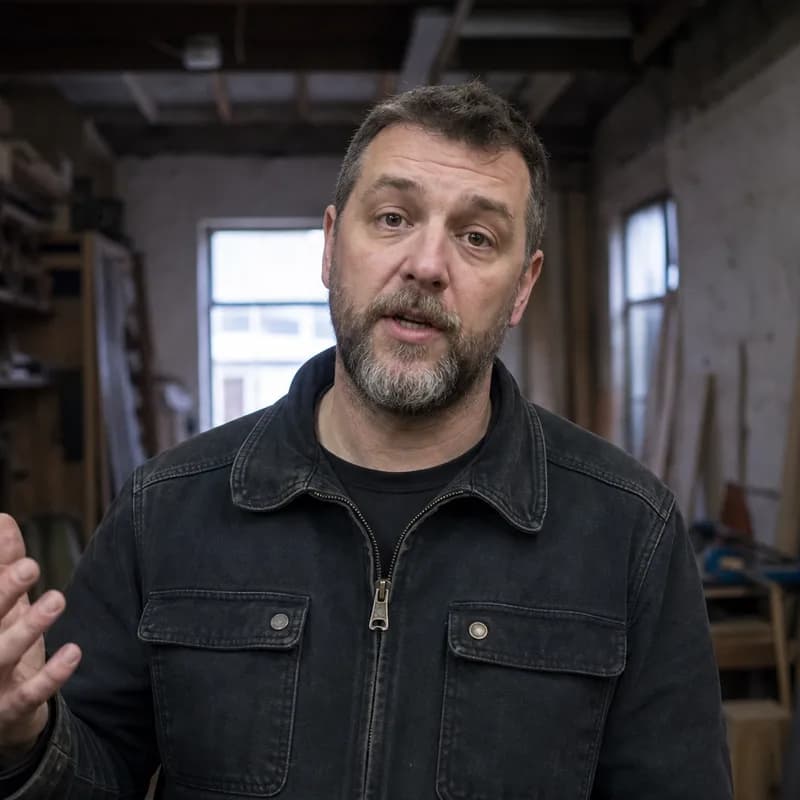
One take, six platforms
Feed
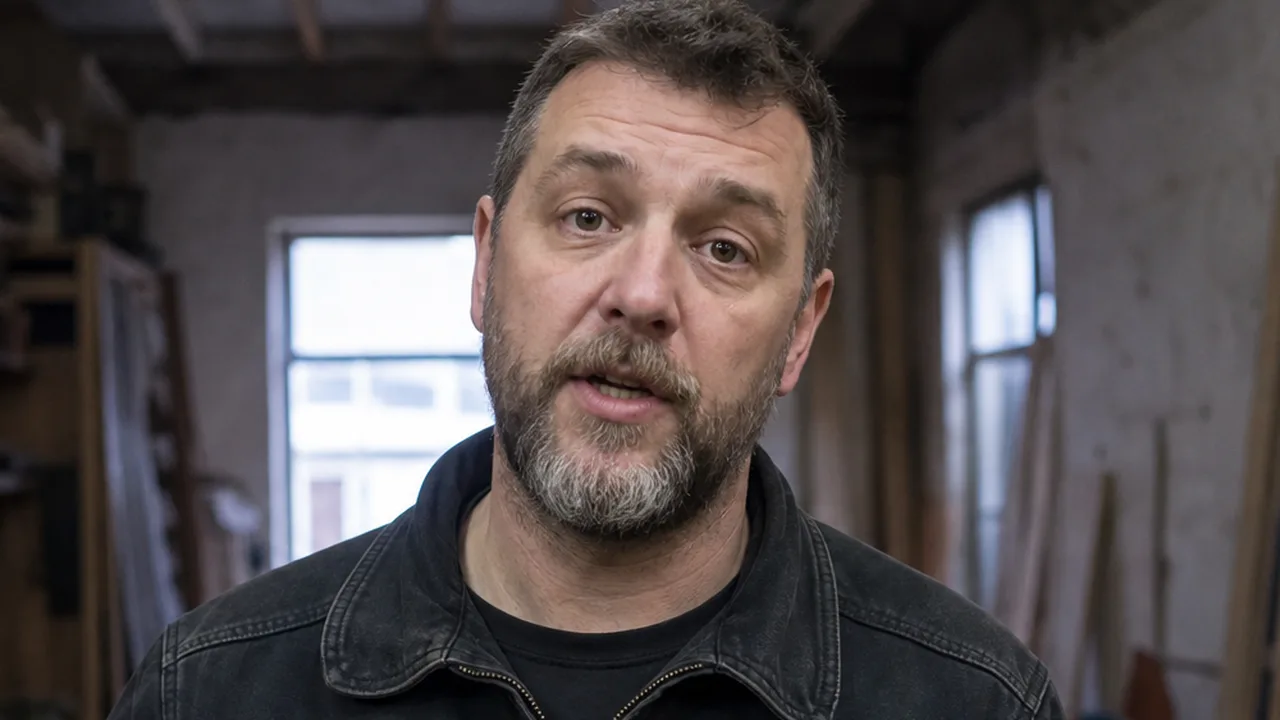
What it cost me to learn
YouTube
TikTok
The three mistakes I made building my first table
The third one cost me the whole top.
Measure twice before you cut once.
#woodworking #diy #workshop
- Built by the founder for his own videos first
- Two people. Email the founder directly.
- Your footage stays in your account until you post it.
- Every cut is reversible
What I do with one eighteen-minute video.
One take in, all of this out. I'm recording the real one now, so the frames and the words below are stand-ins — the ratios, the formats and the shape of it are exactly what comes out.
One take · 18 minStand-in frames
TikTok · 0:48
The three mistakes I made building my first table
Shorts · 0:39
Measure twice before you cut once
Instagram · 1:04
Why I stopped editing my own videos
YouTube · 2:12
The part after recording is the part that kills you
Reels · 0:52
Sand up through every grit. All of them.
LinkedIn · 1:31
What a first table taught me about patience
Title
The three mistakes I made building my first table
Caption
I made all three in one weekend. The third one cost me the whole top. Save yourself the sandpaper.
Hashtags
#woodworking #diy #workshop #firstbuild
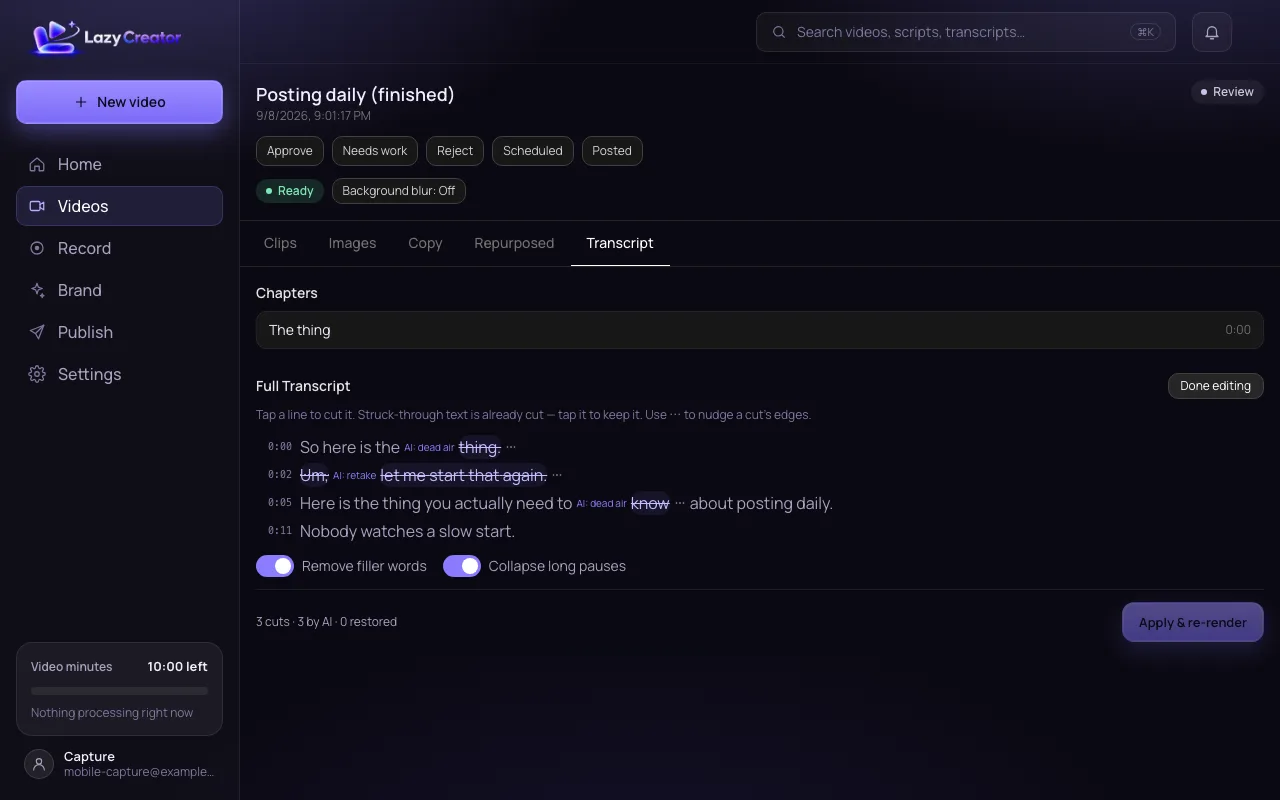
So the first thing I tell anyone starting out isummeasure it twice before you cut it once.[four seconds of nothing]That one line saved me a whole tabletop.
Cut by the tool. Restored by me with one tap.
Lazy Creator opens soon. Leave your email on the pricing page and you’ll hear first. Your footage stays private until you post it.
The part after recording is the part that kills you.
Recording is the easy part. I can talk about what I do all day. Then it’s late, and I’m scrubbing a long take, cutting the ums, making it tall, making it square, writing a different caption for every app and guessing at hashtags. That’s where I quit. Every time.
- cut the ums
- make it tall
- make it square
- write six captions
Three steps. Stop after any of them.
Record
Phone or browser. Camera or screen. Talk as long as you want; long is the point.
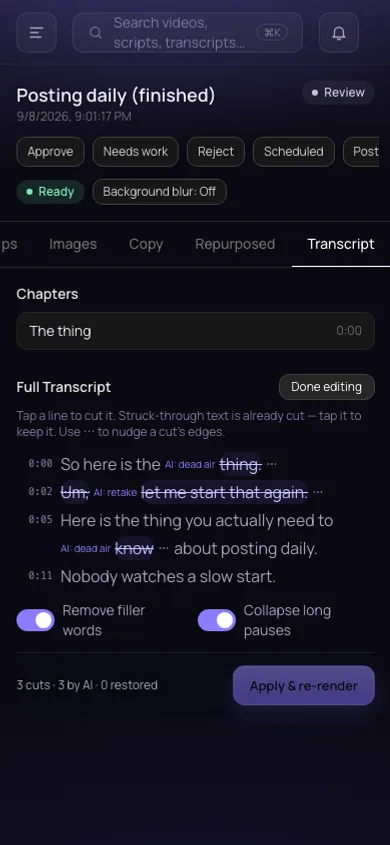
It edits
Dead air, filler and blown takes come out. Captions go on. One-click Resize gets it vertical, landscape or square for any platform, or pull a clip. Any cut goes back with a tap.
You post
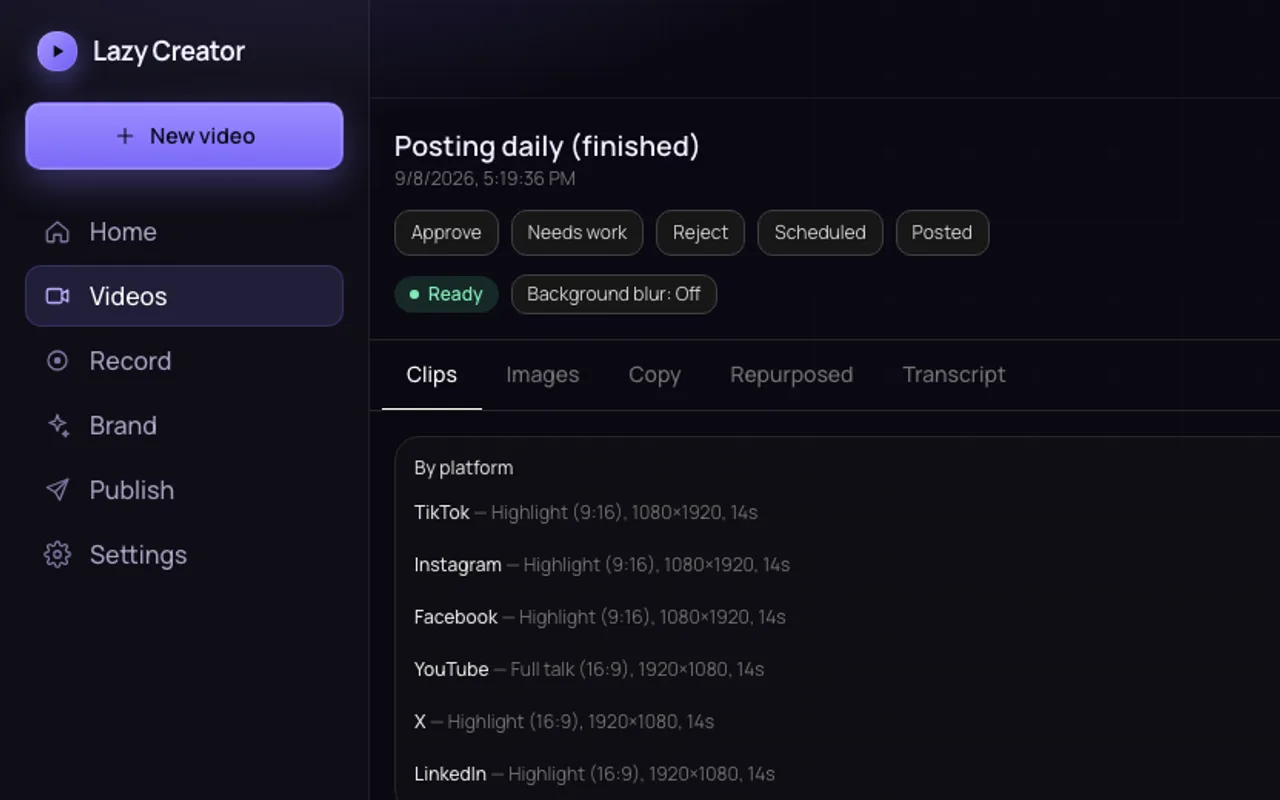
Titles, captions and hashtags per platform, ready to paste. Nothing posts until you post it.
It does more than chop the video in half.
Captions burned in, plus the SRT file. Readable or karaoke style.
Your script on screen while you record. Read it, or wing it.
Screen recordings with you in the corner. Landscape keeps the screen; vertical puts you above it.
Blog, FAQ and newsletter drafts from the same take. For the people who read instead of watch.
You don’t have to be a creator.
For the small business owner who knows they should be posting. For the social media team feeding six accounts off one shoot. For influencers in any niche, for anyone selling on TikTok Shop, for hobbyists who know a thing worth sharing, and for contractors talking about their work. If you post to more than one place, you’d rather be doing the work than editing footage of the work.
Straight prices. Minutes, not credits.
Plans open soon. Leave your email on the pricing page and you’ll hear first.
The tiers differ by minutes. Every plan gets the whole product.
Agency · $200.00 a month · by request · ask about Agency
Prices are provisional and may change before general availability.
Unused minutes do not roll over: each renewal replaces what’s left with your plan’s fresh allowance.
If a render fails and can’t be retried, its reserved minutes are returned to your balance automatically.
The questions I’d ask.
Short answers.
What do I need to record?
A phone, or a browser and a webcam. No rig, no editing software, no second monitor. Talk for as long as you want — long is fine, long is the point.
How long can the video be?
Up to an hour per upload.
What happens when I run out of minutes?
Everything you have already made stays yours — clips, captions, files, all of it. You either pick a plan or wait for the month to reset. Minutes don’t roll over, so a fresh allowance replaces whatever is left.
Which platforms does it size for?
TikTok, Instagram, YouTube, Facebook, X and LinkedIn. One-click Resize turns your video vertical, landscape or square for every platform, plus clips whenever you want them, each with its own copy.
Does it post for me?
No. It writes the titles, captions and hashtags and makes the files; you post them. Nothing goes out without you pressing the button.
What happens to my footage?
It stays in your account and is used to make your clips. After a studio recording is processed, we may replace the original upload with a high-quality copy; when we do, we delete the original seven days after it is replaced. Nothing is posted until you post it. Details are on the Privacy page.
Is this really a beta?
Yes. Two people, early days, and things will break. I’d rather say that now than after you sign up.
Record once. Post everywhere.
Lazy Creator opens soon. Leave your email on the pricing page and you’ll hear first.
Questions first? Email me: support@lazycreator.pro